Product
Glitch AI Engine
Designed for serious Linux users, Glitch enhances the command-line experience with modern workflows and built-in intelligence.
v0.9.0-stable
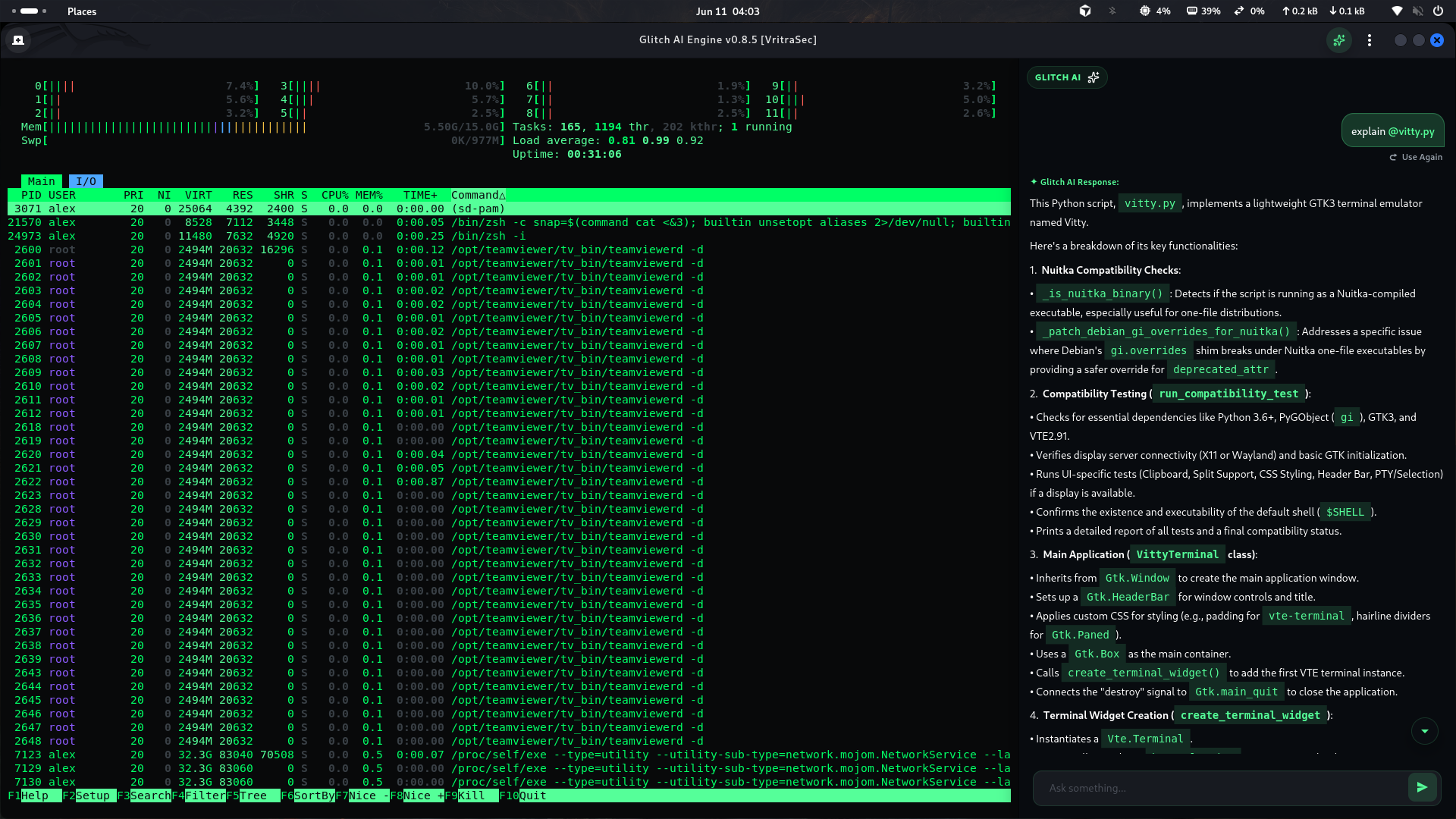
Designed for serious Linux users, Glitch enhances the command-line experience with modern workflows and built-in intelligence.
Select terminal output, right-click → Send to AI. Glitch opens the side panel, auto-prefixes /shell, and focuses the input for diagnostics.
npm ERR! code ELIFECYCLE
…build log truncated…
→ Send to AIWorkspace-aware Glitch AI with streaming, @file mentions, attachments, and 10-turn session memory.
/shell Why did nginx fail?
@/etc/nginx/nginx.conf attached
Checking error log… port 80 in use.Everything in a modern terminal workspace - your real shell, not a chatbot wrapper.
Pick bash, zsh, or any shell from /etc/shells in Settings.
Multi-tab sessions with horizontal and vertical splits restored on launch.
Editable quick commands. Ctrl+Shift+P.
16 built-in presets plus your own images under Custom Background.
Tabs, splits, and working directories saved on exit.
.deb packages and binaries for amd64 and arm64.
Pick architecture on the download page.
glitch_0.9.0_amd64.deb
Install package or run binary, verify CLI.
glitch -v
Unlock Glitch AI in Settings.
Settings → AI Core Setup
Installation, features, AI assistant, themes, and keyboard shortcuts.
Learn more → DownloadOfficial Linux builds for amd64 and arm64 from VritraSec.
Learn more → AboutDeveloper, organization, and platform registry for v0.9.0-stable.
Learn more → AISend to AI, /shell mode, @file mentions, and streaming responses.
Learn more →